
Paid props are not allowed to be shared!
Bezahlte Requisiten dürfen nicht weitergegeben werden!
Los accesorios de pago no pueden compartirse!
Placené rekvizity není povoleno sdílet!
YTYP files are files that load information about models.
If you have multiple of these files and want to merge them, it is necessary to copy the information contained in each file and paste it into another file.
We have 3 files, and we want only the bzzz_bandana_flags
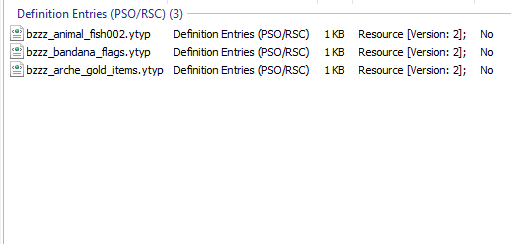
To open the file, you need either CodeWalker RPF Explorer or OpenIV.
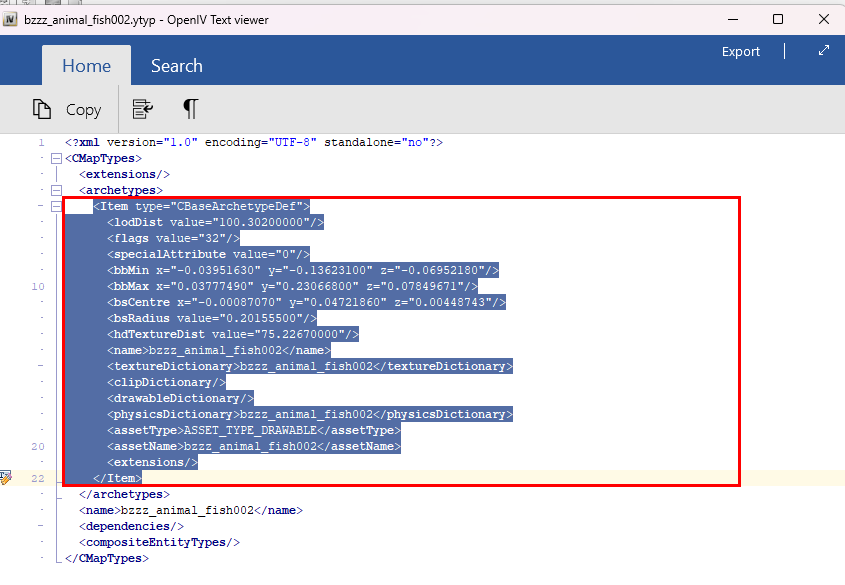
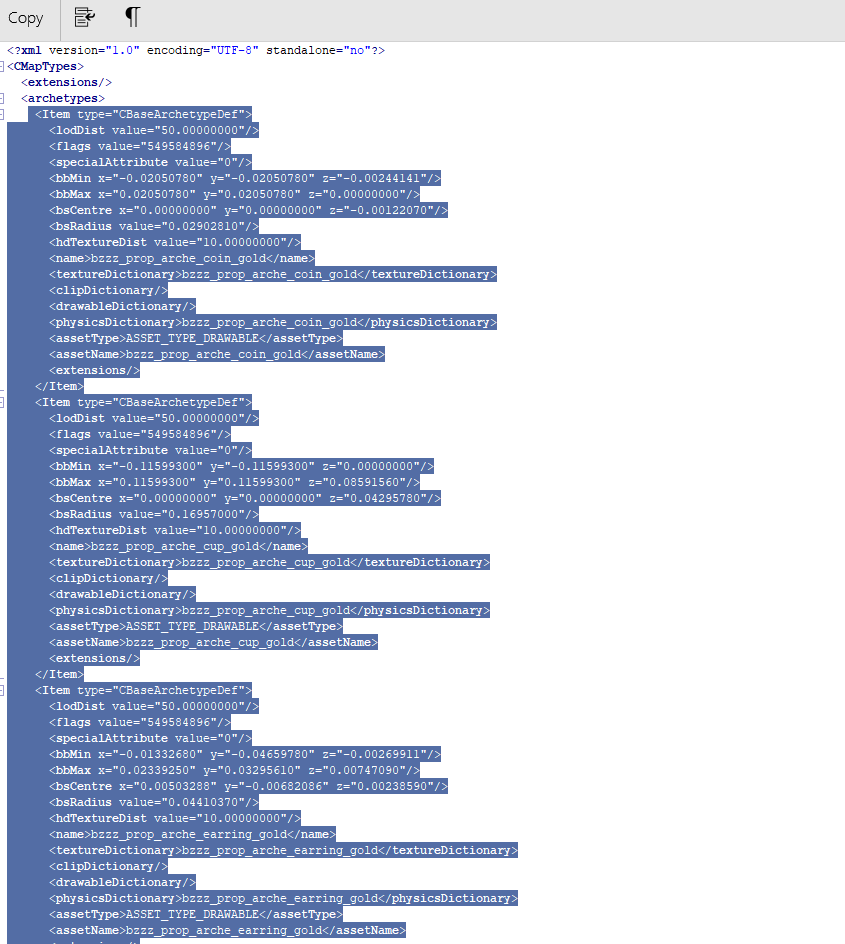
- Open the first YTYP file and copy the model information. If there are multiple models in the YTYP, you need to copy all of them.
- Insert the copied information into the YTYP file you want to use. It is important to load each model only once on the server.
It doesn't matter in which YTYP, but loading the same model multiple times can cause issues.
Merge YTYP files only if you are the sole developer on the server and have a clear understanding of it.
If your assets don't work correctly due to a lack of understanding of YTYP files, we won't provide support.
We refuse to connect to your servers and troubleshoot errors. Small mistakes can be challenging to fix.For beginners, we recommend not merging YTYP files at all; only merge resources following this guide.
Merging resources or YTYP files is not optimization!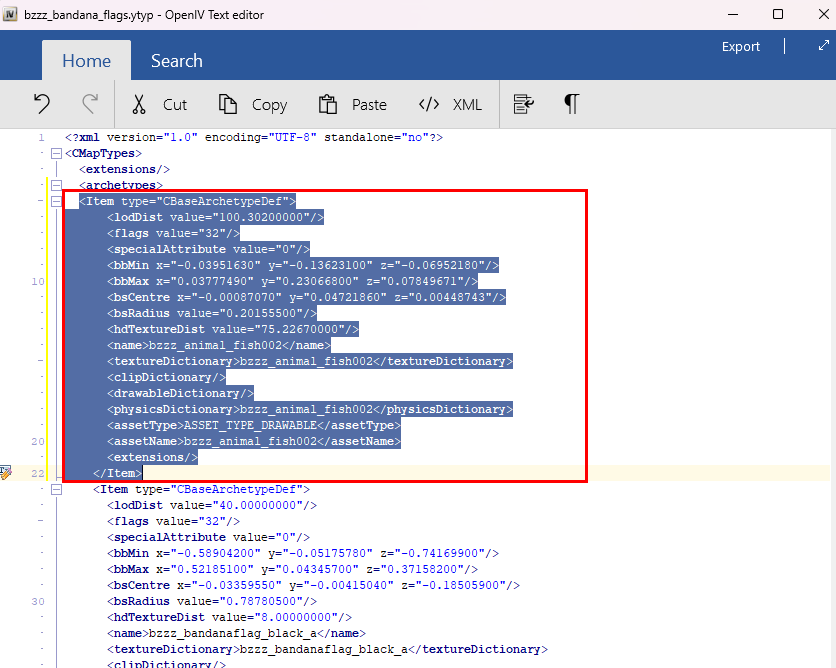
Save the inserted information. Now you can use only one YTYP (bzzz_bandana_flags) on the server.
Delete the other YTYP files from the server, but make sure to back up the original files!
Please do this only for props.
Do not interfere with MLO resources if you do not know what you are doing.


